best receipt scanner app
There is no universal best receipt scanner app—score OCR on your own slips, exports on your ledger, and adoption on your laziest spender.
Jordan Reeves
Head of product, AiReceiptScanner
The best receipt scanner app for a courier is not the best for a ten-person office with a compliance officer. Run the same five ugly receipts through every finalist. Time corrections, not just imports.
Spreadsheets are a love language until two humans maintain parallel truth. Then you bought a reconciliation hobby. Pick one workspace before you argue about app icons.
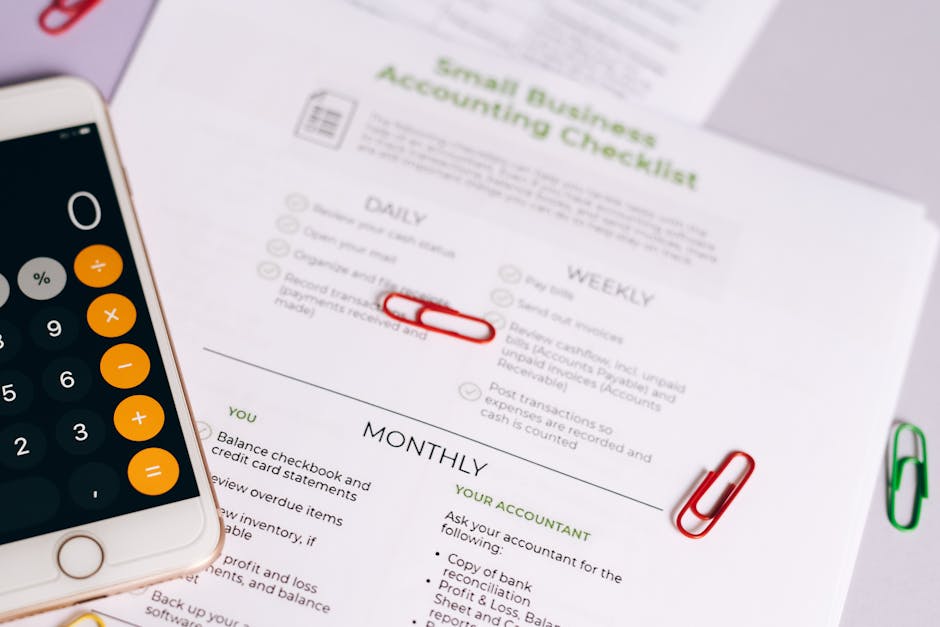
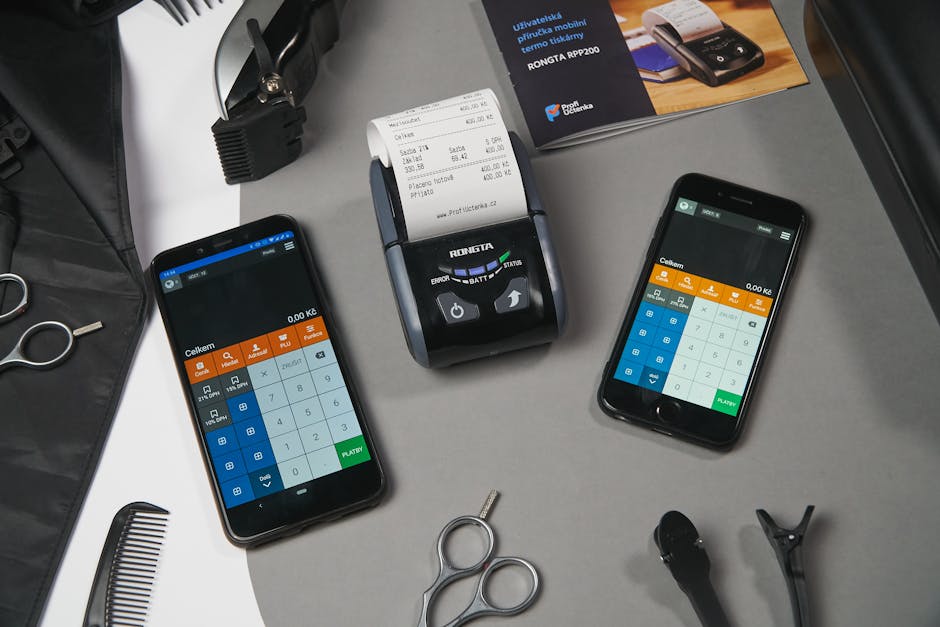
Score each finalist 1–5 on axes that survive contact with reality
- OCR accuracy on your thermal mess, not their PDF demo.
- Taps to fix VAT, totals, merchant strings.
- Export columns frozen the way finance asked.
- Price including seats, storage, and someone answering email.
- UK defaults if you trade in GBP with VAT lines.
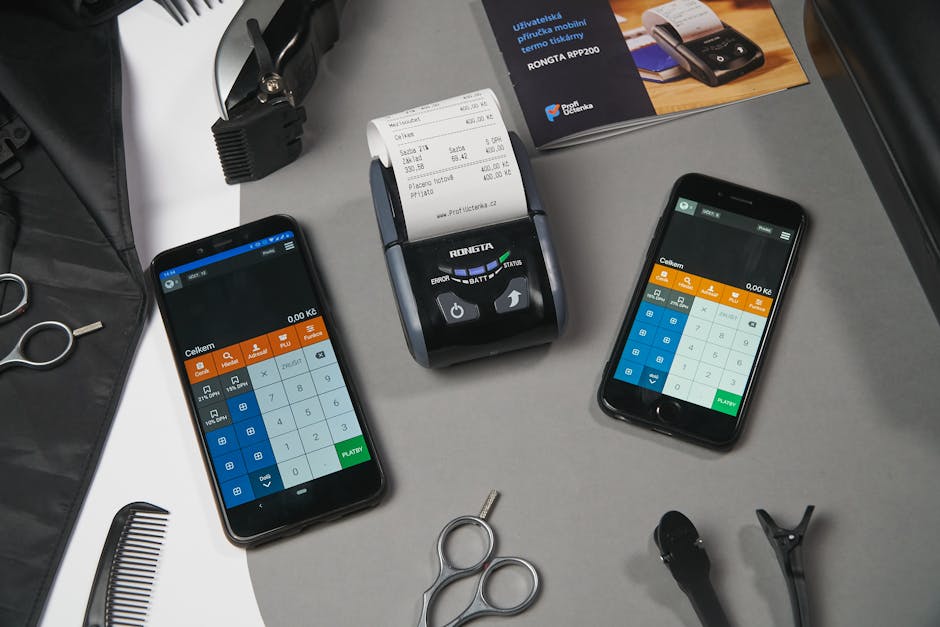
Weight adoption heavier than feature count
A mid-priced app everyone opens beats a cheap app nobody opens. Hidden costs are rename marathons, duplicate bank lines, and re-exporting because a column moved after an update.

Extra topic competitors skip: reviewer audit trails
Once two people touch receipts, you need who changed which total. That is a boring feature until it saves a partnership.
Straight answers
What is the best free option?
Depends on caps. Pilot habits first. Read privacy policies if the product is “free.”
Do I need QuickBooks integration?
If that is your ledger, yes on Business tier here, or a CSV discipline you will actually maintain.
How many receipts per month is normal?
Solo fair-use is 300 receipts per month on our price card—soft cap with warnings. Know your peak month before you buy.
What accuracy should I expect?
On clean slips, mid-nineties field-level is realistic for serious vendors. Plan human review for edge cases.
Is “AI” meaningful?
Sometimes—it can suggest categories and duplicates. It does not replace policy or sign-off on tax lines.
If you want structured capture without a spreadsheet hobby, open AiReceiptScanner with five ugly receipts and time the export. Solo is $12/mo on annual billing—cheaper than one hour of anyone qualified retyping. If Solo fits, buy Solo. We are not subtle about that.
Disclaimer
General information only, not tax or legal advice. QuickBooks and other names belong to their owners. Check compatibility with your adviser before you bet the farm on a workflow.
Related in Receipt scanning, OCR & AI
More guides in the same category.
- Best receipt scanner app UK in 2026: what to look forCompares features UK users need: HMRC-friendly records, cloud sync, and OCR quality in a receipt scanning app.
- Track business expenses receipts automatically: what “automatic” really meansClarifies OCR, bank feeds, and rules for track business expenses receipts automatically.
- Automate receipt processing accounting: where AI helpsHonest look at automate receipt processing accounting with AI vs human review.
Ready to organize your receipts?
Upload a receipt below and see how our AI extracts every detail automatically. No sign up required for your first scan.
Upload receipts and invoices
Drag and drop or click to browse
Jordan Reeves
Head of product, AiReceiptScanner
Writes about receipt scanning, expense tracking, and HMRC-friendly digital records for AiReceiptScanner readers.