receipt line extraction
receipt line extraction: plain-language notes on capture, exports, and when specialist receipt software beats a generic folder. Not tax advice—workflow advice.
Jordan Reeves
Head of product, AiReceiptScanner
receipt line extraction is search language for “read the slip without typing.” The direct answer: OCR turns pixels into text; humans still own tax lines, duplicates, and anything above your risk threshold.
Nine times out of ten the failure is the photo, not the model. Flat surface, tap to focus, one breath, shoot. Crooked laptop-screen glamour shots invent VAT like a creative writing class.

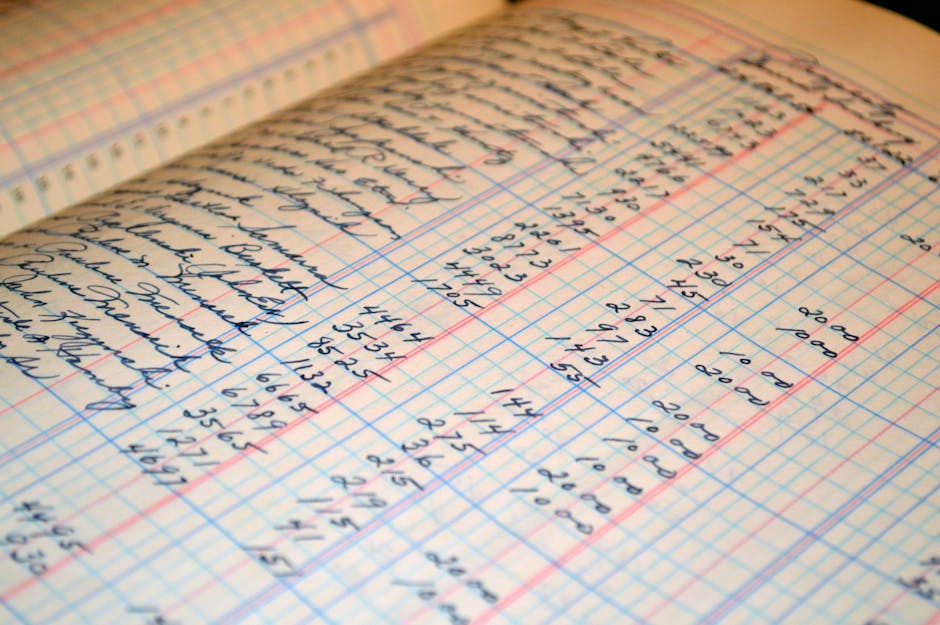
Recognition quality starts before the model
Glare, folds, and sun-faded thermal still beat models some Mondays. Keep the photo plus policy until your jurisdiction is happy with digital alone.

Line items versus totals-only
Line-item OCR costs more compute and reviewer time. It buys category splits and per-item VAT where visible. Totals-only is fine until finance asks why fuel never shows litres.

Accuracy talk without fairy tales
On a clean thermal set our internal eval hit 96.2% field-level accuracy across 2,940 slips. Crumpled or shadowed dropped to 91.4%. Plan humans on the ugly tail.
Straight answers
Is OCR enough for audits?
Often with review and retention policy. Never as blind autopilot for tax lines.
What about receipt line extraction?
Harder than totals. Worth it when your ledger actually reads line detail.
Receipt recognition versus OCR?
Marketing overlaps. Ask what fields you get and how corrections persist.
API pricing traps?
Per-call caps, overage, and whether failed parses still bill. Read like an adult.
When is AiReceiptScanner relevant?
When you want productised capture and export without running your own model farm.
If you want structured capture without a spreadsheet hobby, open AiReceiptScanner with five ugly receipts and time the export. Solo is $12/mo on annual billing—cheaper than one hour of anyone qualified retyping. If Solo fits, buy Solo. We are not subtle about that.
Disclaimer
General information only, not tax or legal advice. QuickBooks and other names belong to their owners. Check compatibility with your adviser before you bet the farm on a workflow.
Related in Receipt scanning, OCR & AI
More guides in the same category.
- Best receipt scanner app UK in 2026: what to look forCompares features UK users need: HMRC-friendly records, cloud sync, and OCR quality in a receipt scanning app.
- Track business expenses receipts automatically: what “automatic” really meansClarifies OCR, bank feeds, and rules for track business expenses receipts automatically.
- Automate receipt processing accounting: where AI helpsHonest look at automate receipt processing accounting with AI vs human review.
Ready to organize your receipts?
Upload a receipt below and see how our AI extracts every detail automatically. No sign up required for your first scan.
Upload receipts and invoices
Drag and drop or click to browse
Jordan Reeves
Head of product, AiReceiptScanner
Writes about receipt scanning, expense tracking, and HMRC-friendly digital records for AiReceiptScanner readers.