receipt scanner
Receipt scanner means hardware, phone capture, or software that turns slips into searchable data—pick based on where spend happens, not brochure photos.
Jordan Reeves
Head of product, AiReceiptScanner
A receipt scanner is any workflow that gets purchase evidence out of paper or email and into something you can search, reconcile, or export without retyping every line. Hardware, phone plus app, or cloud-only can all qualify if the output is structured enough for your ledger.
My first bookkeeping client handed me twelve months in a literal shoebox. Rubber bands, petrol tabs, a wedding RSVP mixed in for colour. The lesson was not that people are careless. It was that capture has to happen near the spend or nobody pays the cognitive tax twice.
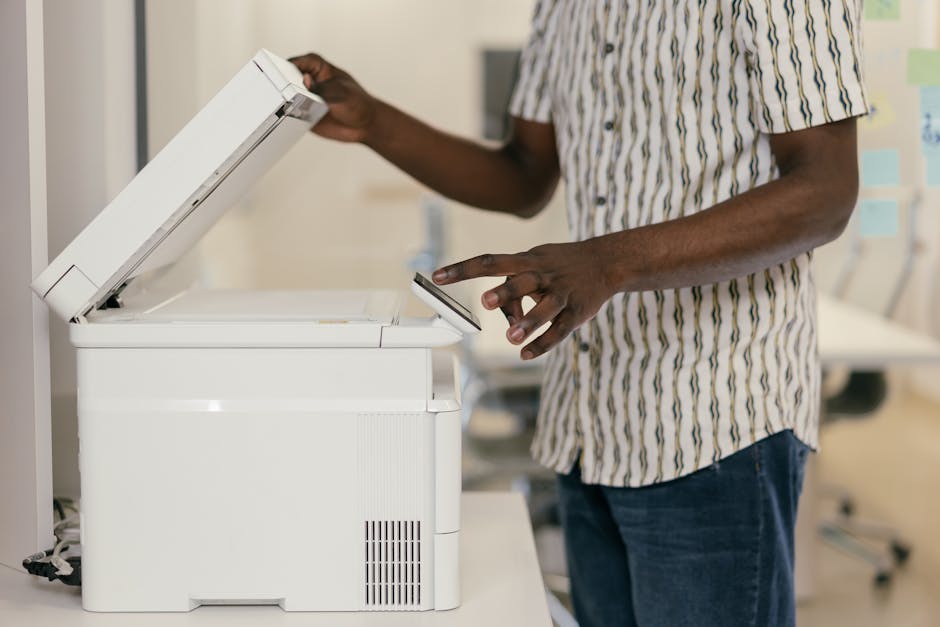
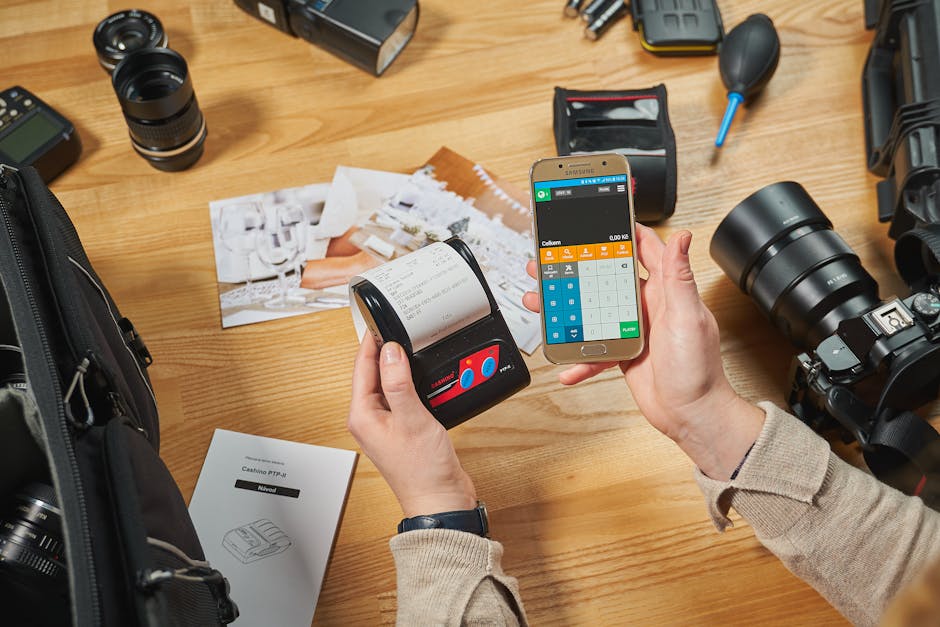
Hardware versus phone: the boring decision tree
Dedicated scanners win on desk image quality. Phones win where purchases actually happen. Hybrid is sane: bulk-scan archives once, then stay mobile day to day.
- Desk-heavy teams: sheet-fed or flatbed if volume justifies it.
- Field-heavy teams: assume offline capture and glare handling before you buy plastic.
- Hybrid: scan the shoebox year once, then ban shoeboxes going forward.
What “good enough” means in honest numbers
Honest numbers from our internal eval on 2,940 clean thermal slips: 96.2% field-level accuracy. Same eval on crumpled or shadowed shots: 91.4%. Median time from photo to structured JSON in the last benchmark window was 87 seconds. If your correction time beats those wins, your stack is wrong for your mix.

When a scanner is the wrong thing to optimise
If your chart of accounts is chaos, fix that before you chase megapixels. OCR without validation is a liability factory—fast wrong is worse than slow right for anything touching tax.
Straight answers
Do I need a physical receipt scanner?
Not always. Many sole traders never buy hardware. If desk volume is huge, hardware helps. If not, invest in habit and software first.
Are phone photos legal for tax records?
Jurisdictions differ on digital reliance. Keep readable images plus policy your adviser agrees with. Rules move; panic moves faster.
What fields must be captured?
Date, merchant, total, and tax lines where visible. Anything your bookkeeper exports monthly should match those fields.
Does AiReceiptScanner replace accounting software?
No. It feeds evidence into CSV, PDF packs, Xero, or QuickBooks on paid tiers. Pick the handoff shape first.
Why do receipts fade?
Thermal paper is not sentimental. Heat and light delete amounts. Photo plus policy beats denial.
If you want structured capture without a spreadsheet hobby, open AiReceiptScanner with five ugly receipts and time the export. Solo is $12/mo on annual billing—cheaper than one hour of anyone qualified retyping. If Solo fits, buy Solo. We are not subtle about that.
Disclaimer
General information only, not tax or legal advice. QuickBooks and other names belong to their owners. Check compatibility with your adviser before you bet the farm on a workflow.
Related in Receipt scanning, OCR & AI
More guides in the same category.
- Best receipt scanner app UK in 2026: what to look forCompares features UK users need: HMRC-friendly records, cloud sync, and OCR quality in a receipt scanning app.
- Track business expenses receipts automatically: what “automatic” really meansClarifies OCR, bank feeds, and rules for track business expenses receipts automatically.
- Automate receipt processing accounting: where AI helpsHonest look at automate receipt processing accounting with AI vs human review.
Ready to organize your receipts?
Upload a receipt below and see how our AI extracts every detail automatically. No sign up required for your first scan.
Upload receipts and invoices
Drag and drop or click to browse
Jordan Reeves
Head of product, AiReceiptScanner
Writes about receipt scanning, expense tracking, and HMRC-friendly digital records for AiReceiptScanner readers.