receipt software
receipt software: plain-language notes on capture, exports, and when specialist receipt software beats a generic folder. Not tax advice—workflow advice.
Jordan Reeves
Head of product, AiReceiptScanner
receipt software should mean search, retention, and structured fields—not a shared drive full of IMG_4821.jpg tombstones.
A cafe owner stored thermal rolls in a sunny window once. By audit time, the amounts ghosted. Photos plus policy beat optimism.
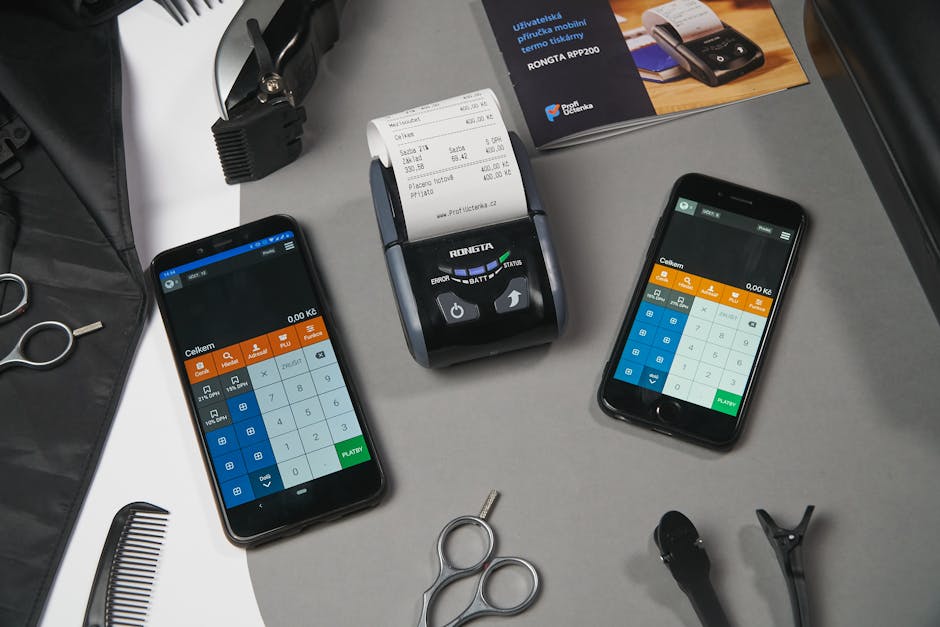
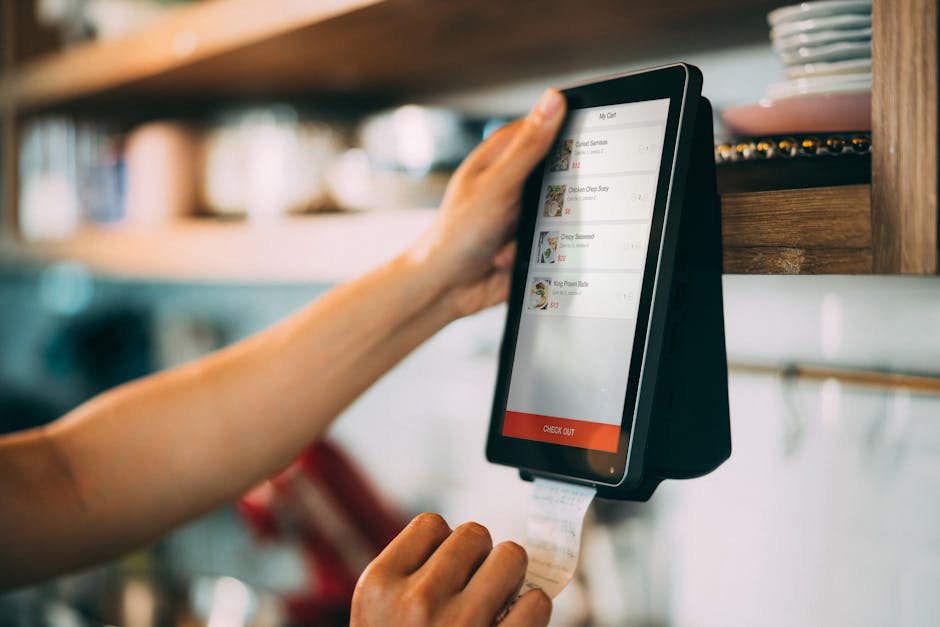
Minimum viable receipt software checklist
- Bulk import from email and camera without rename marathons.
- Correction UX for totals and VAT lines that does not fight you.
- Export columns your accountant already signed off.

When generic drives rot
Parallel spreadsheets with different filenames are not a system. They are a reconciliation hobby. Pick one workspace truth.

Opinion with a number attached
Client labels beat inbox screenshots. If intake is whatever they emailed, you already lost.
Straight answers
Receipt software versus expense app?
Overlap. Decide if you need ledger sync or archive-first, then shortlist honestly.
Do I need AI?
Helpful for suggestions and duplicates, not for silent autoposting of tax lines.
Security checklist?
Encryption, retention, export, subprocessors. Boring until it is not.
Retention policy?
Follow local rules and your adviser. Digital is not permission to delete early without thought.
When not to buy?
If you process a handful of slips a year and your workflow is already fine, do not buy software out of guilt.
If you want structured capture without a spreadsheet hobby, open AiReceiptScanner with five ugly receipts and time the export. Solo is $12/mo on annual billing—cheaper than one hour of anyone qualified retyping. If Solo fits, buy Solo. We are not subtle about that.
Disclaimer
General information only, not tax or legal advice. QuickBooks and other names belong to their owners. Check compatibility with your adviser before you bet the farm on a workflow.
Related in Receipt scanning, OCR & AI
More guides in the same category.
- Best receipt scanner app UK in 2026: what to look forCompares features UK users need: HMRC-friendly records, cloud sync, and OCR quality in a receipt scanning app.
- Track business expenses receipts automatically: what “automatic” really meansClarifies OCR, bank feeds, and rules for track business expenses receipts automatically.
- Automate receipt processing accounting: where AI helpsHonest look at automate receipt processing accounting with AI vs human review.
Ready to organize your receipts?
Upload a receipt below and see how our AI extracts every detail automatically. No sign up required for your first scan.
Upload receipts and invoices
Drag and drop or click to browse
Jordan Reeves
Head of product, AiReceiptScanner
Writes about receipt scanning, expense tracking, and HMRC-friendly digital records for AiReceiptScanner readers.